
Restaurant solution
Your restaurant in one system, from the table to the till
The waiter takes the order on a tablet, the kitchen sees it on screen instantly, the waiter is alerted when it is ready, and the cashier closes the bill in one tap. You see revenue, cost of goods and profit in the end-of-day report and on Telegram.
- Tables, orders and the kitchen update in real time
- Works on tablets, phones and computers
- In Azerbaijani, English and Russian
Features
Everything a restaurant needs every day
The hall, kitchen, cashier and stock are connected: an order placed in one place shows up everywhere at once.
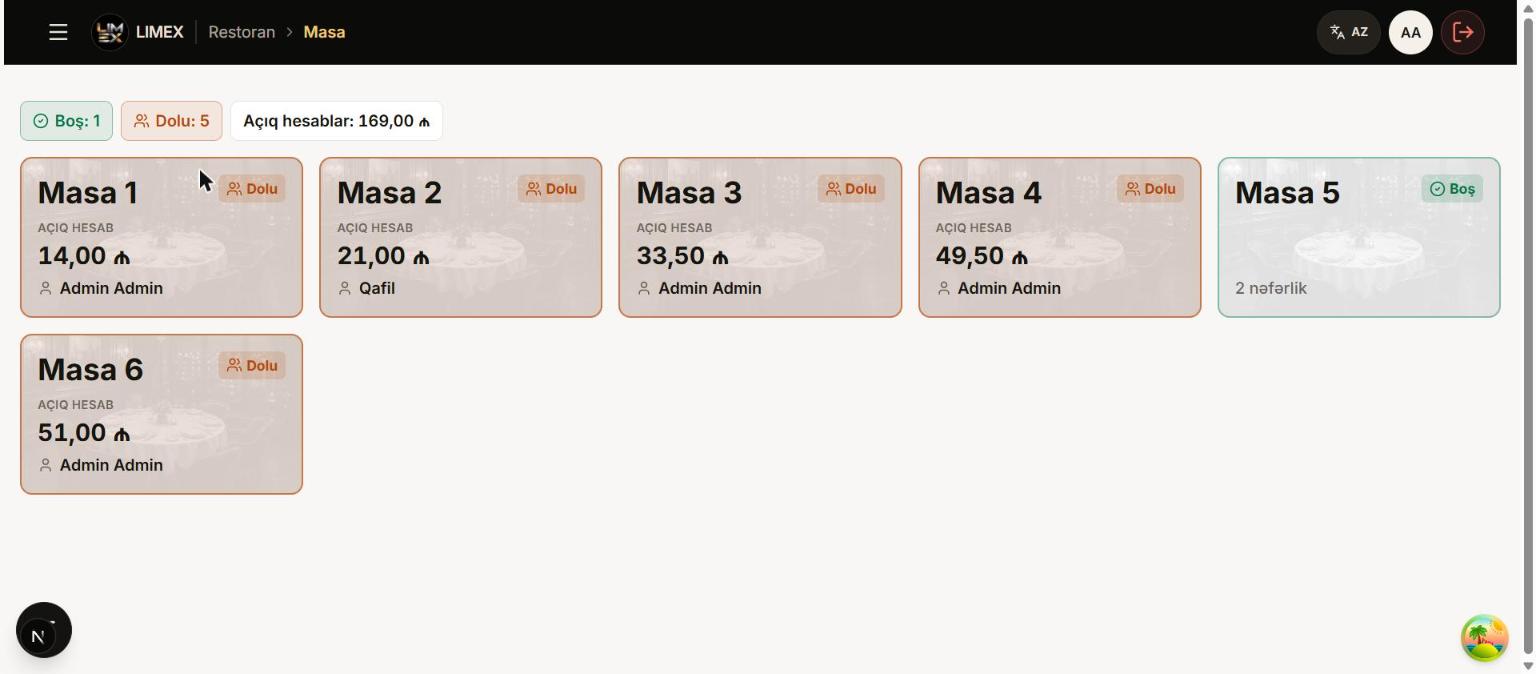
Halls and tables
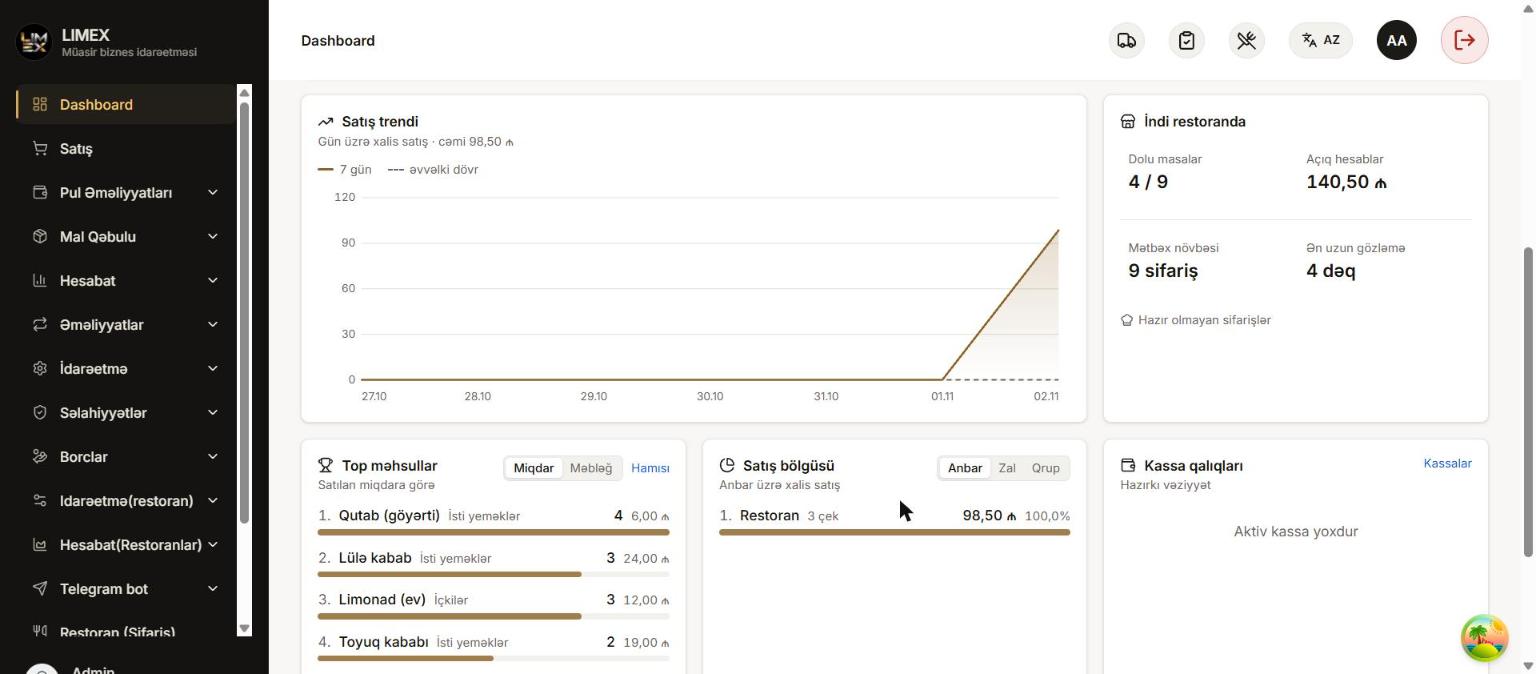
See halls and tables live: free tables, busy tables and the open bill amount at a glance.
Merge and move tables
Merge tables of the same hall into one bill for a large party, and move orders to another table.
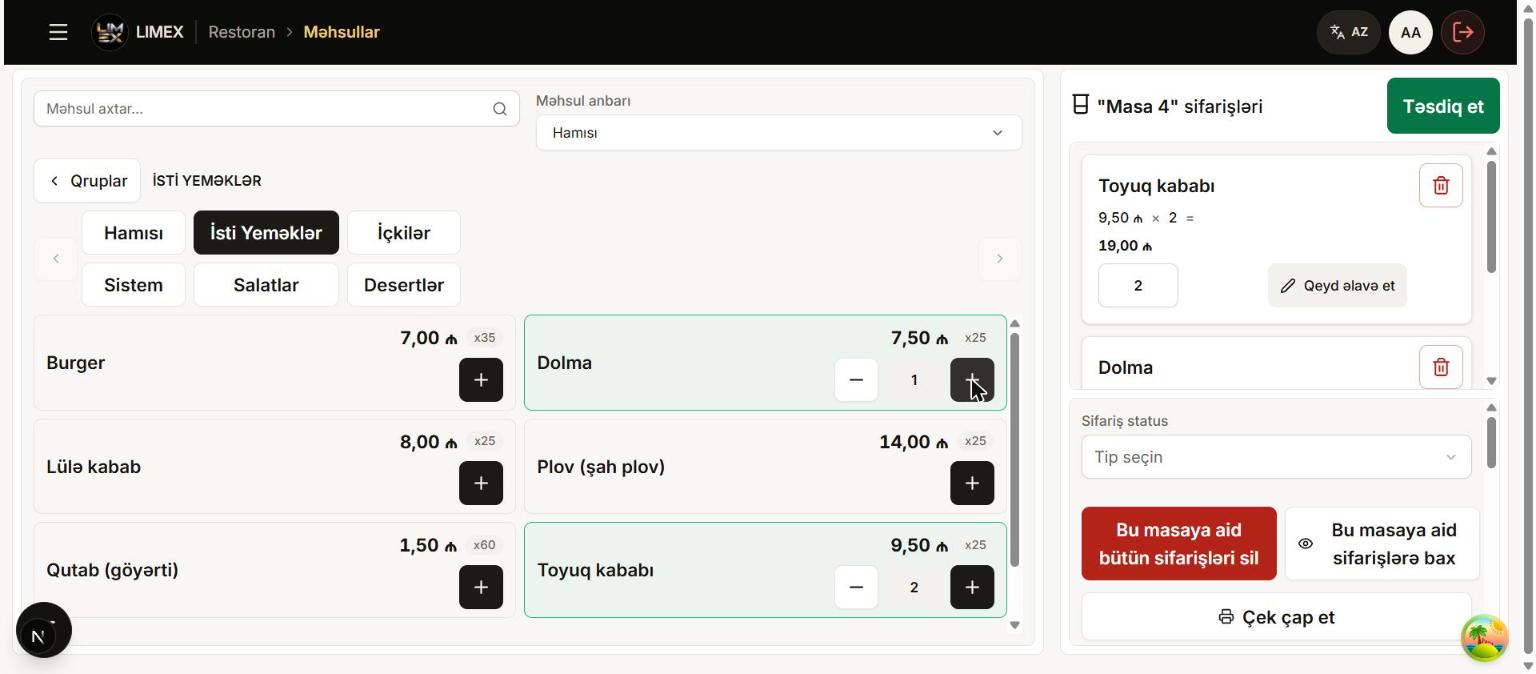
Waiter ordering
The waiter picks products by group or search, adds quantity and a note, and sends the order to the kitchen with one button.
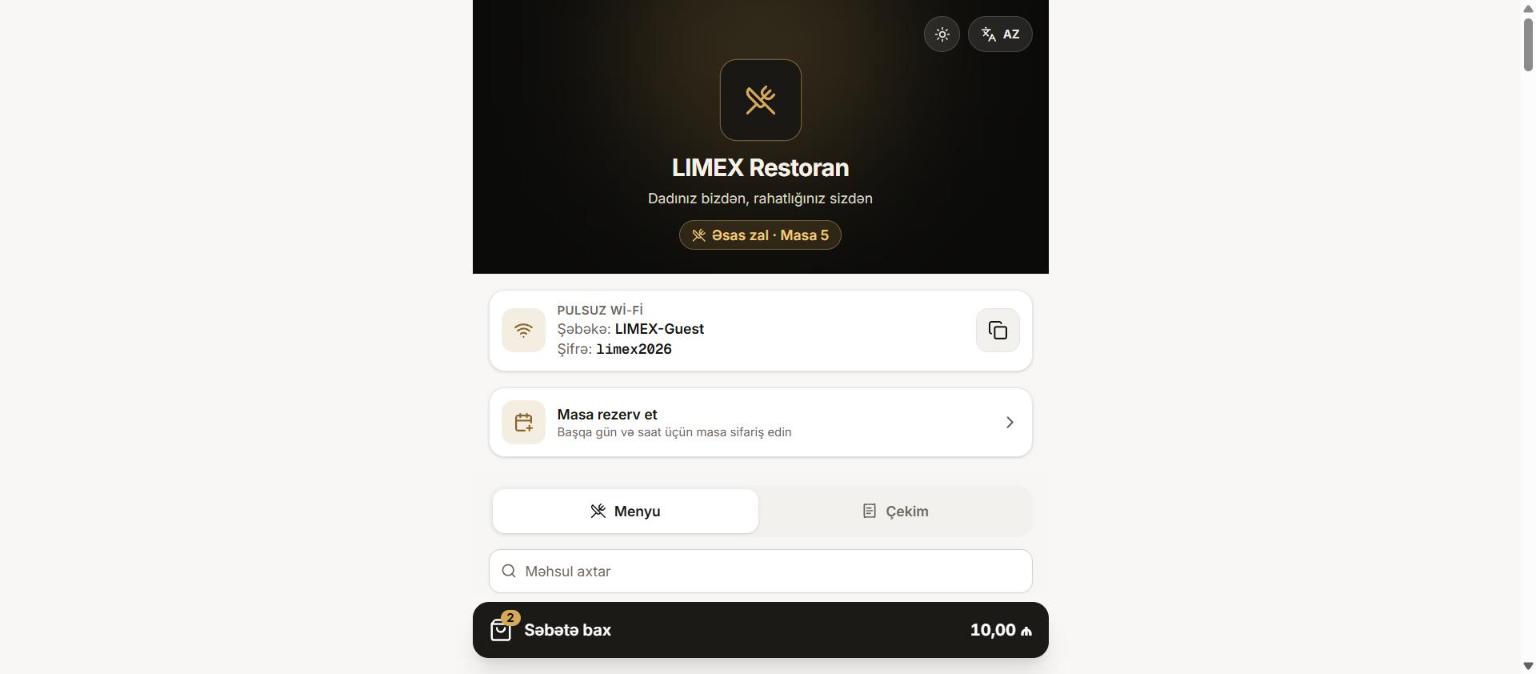
QR menu
Every table has its own QR code: guests open the illustrated menu on their phone and send the order, which goes to the kitchen once the waiter confirms it. Guests also see their bill; after it is closed the link shows only the paid receipt.
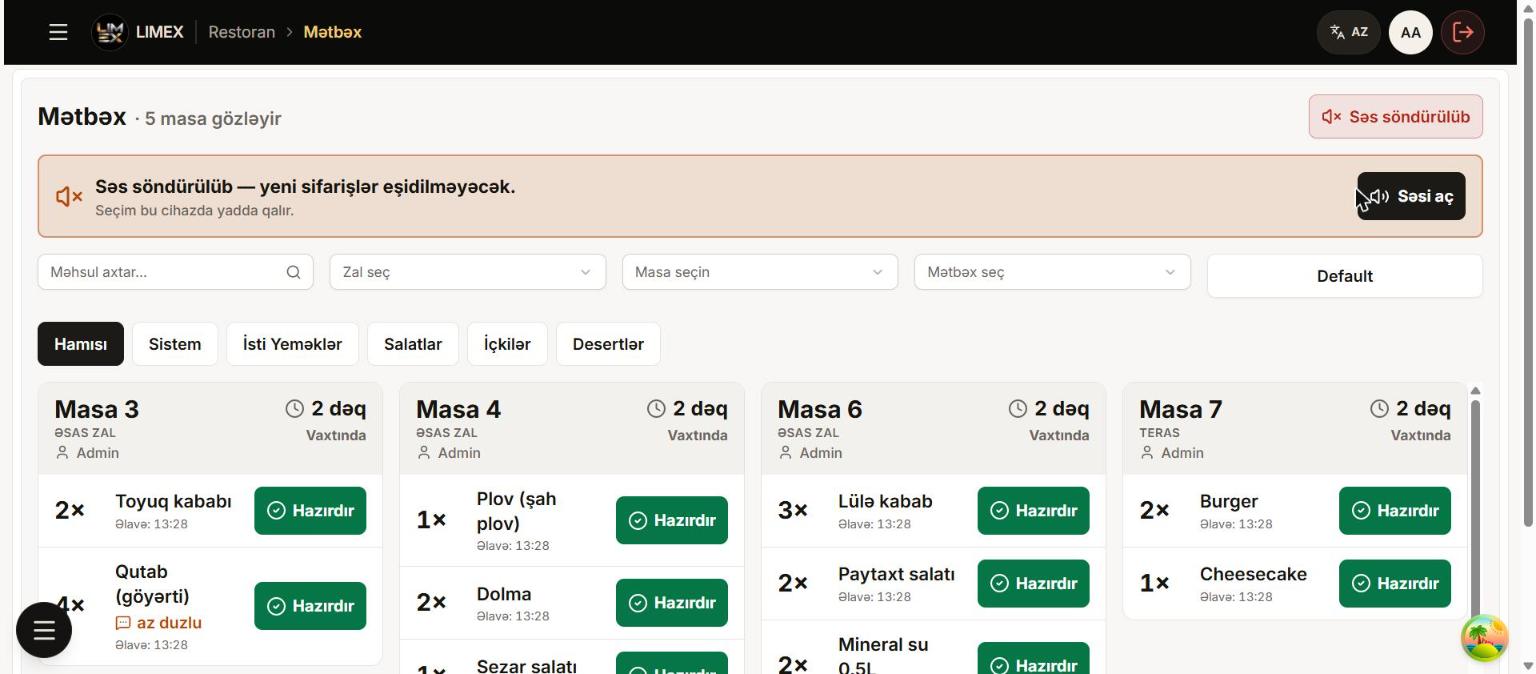
Kitchen display
Orders arrive on the kitchen screen with a sound: table, product, quantity, note and waiting time. Each item is marked "Ready" on its own.
"Order ready" alert
As soon as the kitchen marks an item ready, the waiter's screen shows an alert with the product, hall and table. No more cold food.
Pre-bill printing
The waiter prints the table's current bill from their own screen for the guest; the sale itself is confirmed at the cashier.
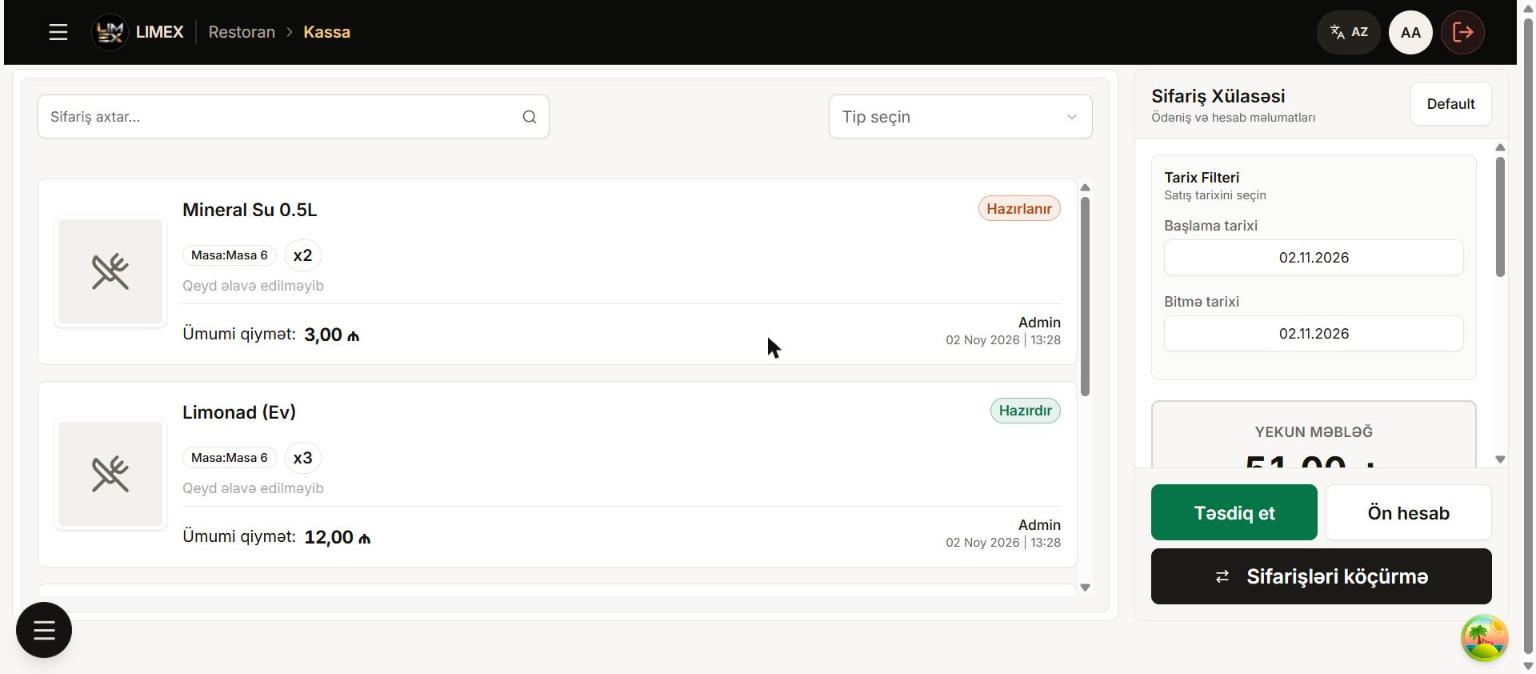
Restaurant POS
Service charge (%), discount, cash or card payment, change due and the receipt — all on one screen.
Loyalty bonus
Guests are recognised by phone number, earn a bonus of your chosen percentage on every bill and pay with it next time. Balance, history and manual adjustments on one page.
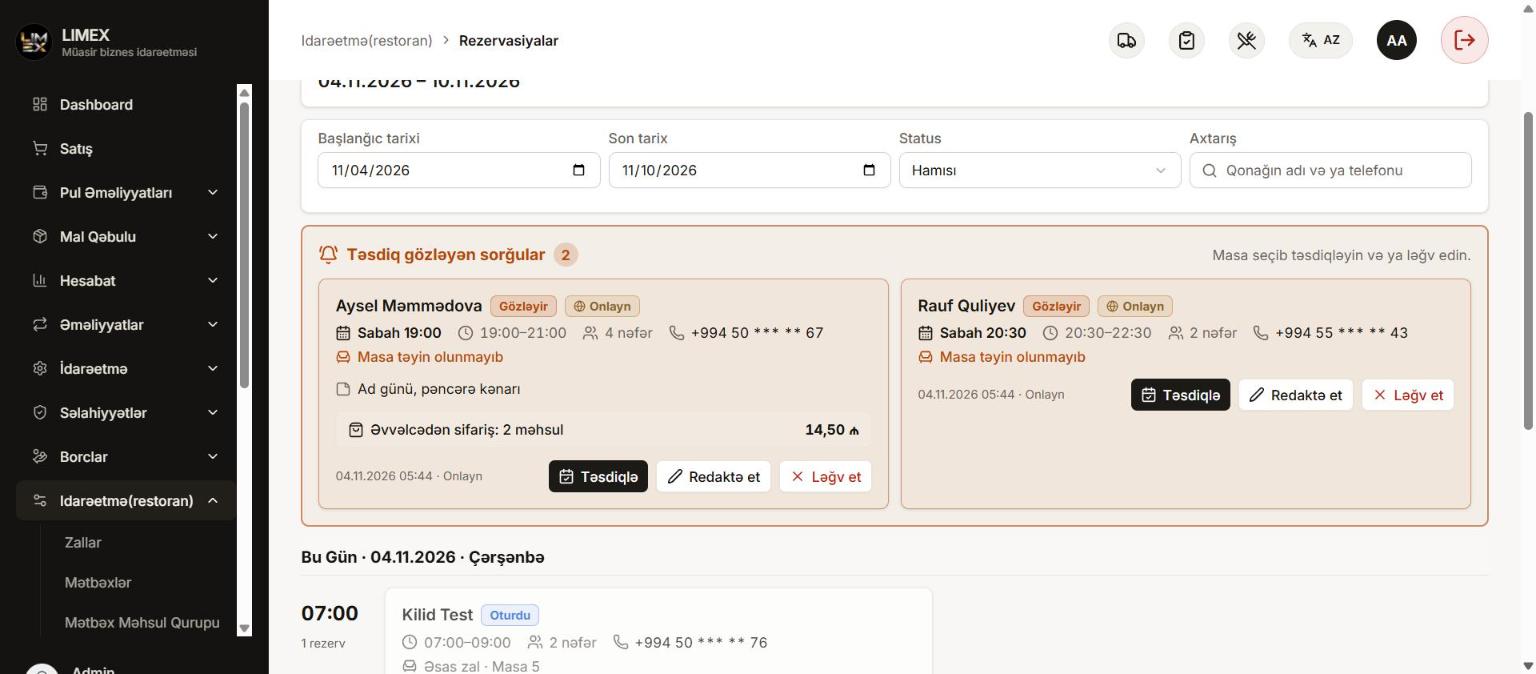
Table reservations
Staff record bookings, and guests can book a table online and pre-order dishes. At the booked time the table is locked; when the guest arrives, “Seated” unlocks it and the pre-ordered dishes land on the table.
Table owner rule
Optionally only the waiter who opened a table can add orders to it — others see a warning. You choose the exempt roles and staff in the settings.
Recipes and raw materials
Every dish has a recipe: raw materials are deducted from stock on sale, and you see how many portions the stock still allows.
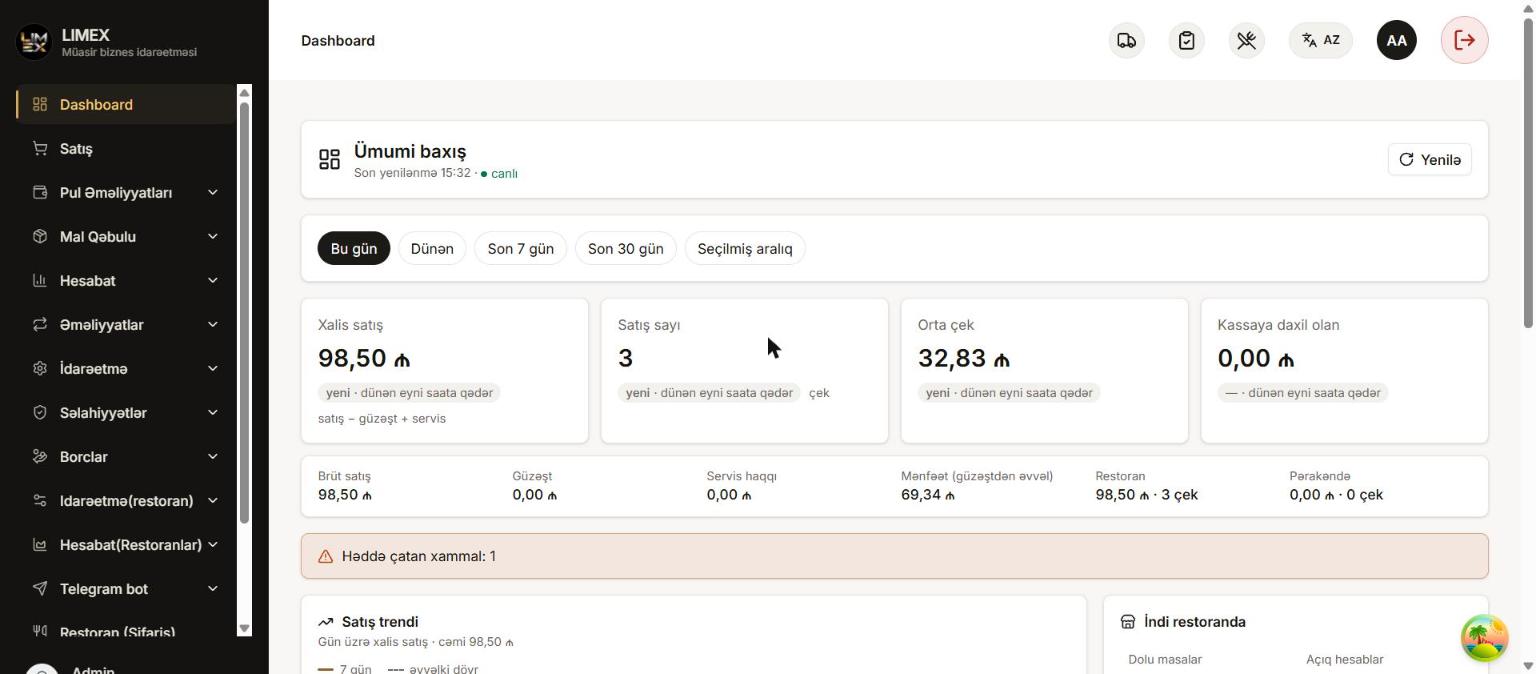
End-of-day report
Revenue, cost of goods, waiter and service share, expenses and net profit — in one report at the end of the day.
Telegram alerts
The owner gets the daily summary, open tables, low-stock warnings and staff's first login of the day on Telegram.
Roles and permissions
Waiter, kitchen, cashier and admin — everyone sees only the screens of their own job. The system works in 3 languages.
How it works
Every role on its own screen, everyone in one system
Each team member sees only what their job needs — easy to learn, fewer mistakes.
The path of an order
- 1Table
- 2Order
- 3Kitchen
- 4Ready
- 5Cashier
- 6Report
Waiter
On a tablet or phone
- 1Picks the hall and table — free tables and open bills are color-coded.
- 2Chooses products from the menu by group or search, adds quantity and a note.
- 3Presses "Send to kitchen" — the order lands on the kitchen display instantly.
- 4Gets the "Ready" alert, serves the dish and prints the pre-bill when needed.
Kitchen
On the kitchen display
- 1A new order arrives with a sound — with table, product, quantity and note.
- 2Waiting time is color-coded: on time, attention, late.
- 3Marks each item "Ready" on its own — the waiter knows right away.
Cashier
At the restaurant POS
- 1Opens a busy table — all of the table's orders are already on the bill.
- 2The service charge is calculated automatically; a discount can be applied.
- 3Chooses cash or card and sees the change due.
- 4"Close bill" — the receipt prints, the table is freed and raw materials leave the stock.
Owner / Admin
From anywhere
- 1Sets up the menu, recipes, halls, tables and service charge.
- 2Gives staff roles and permissions and turns on the table owner rule.
- 3Sees revenue, cost of goods, expenses and profit in the end-of-day report.
- 4Gets the daily summary and alerts on Telegram — even when away from the restaurant.
Screens
Straight from the system
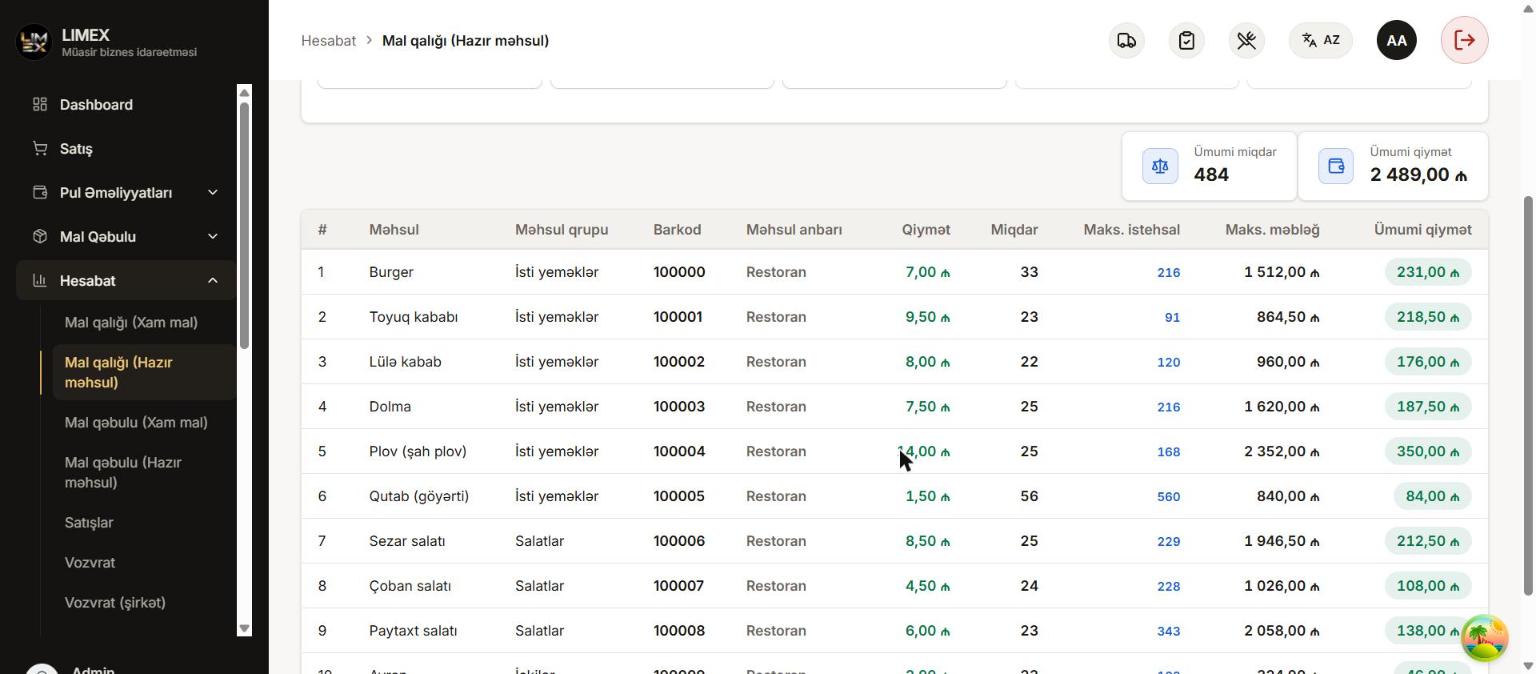
Screens of the real system, with test data.
Try the system yourself
No sign-up needed: add an order to a table, mark it "Ready" in the kitchen, close the bill at the cashier and view the end-of-day report — all in your browser.
Get an offer tailored to your business
Pricing depends on the size of your business and the modules you need. Get in touch — we will call you back and show the system live.